

 Available on iPad & iPhone ★★★★★
Think freely.
Connect everything.
Infinite canvas for iPad/iPhone. Capture ideas, sketch mind maps, embed media, study with FSRS flashcards — your entire second brain in one workspace.
Free to start · iPad & iPhone · iCloud Sync


Your ideas have
no borders.
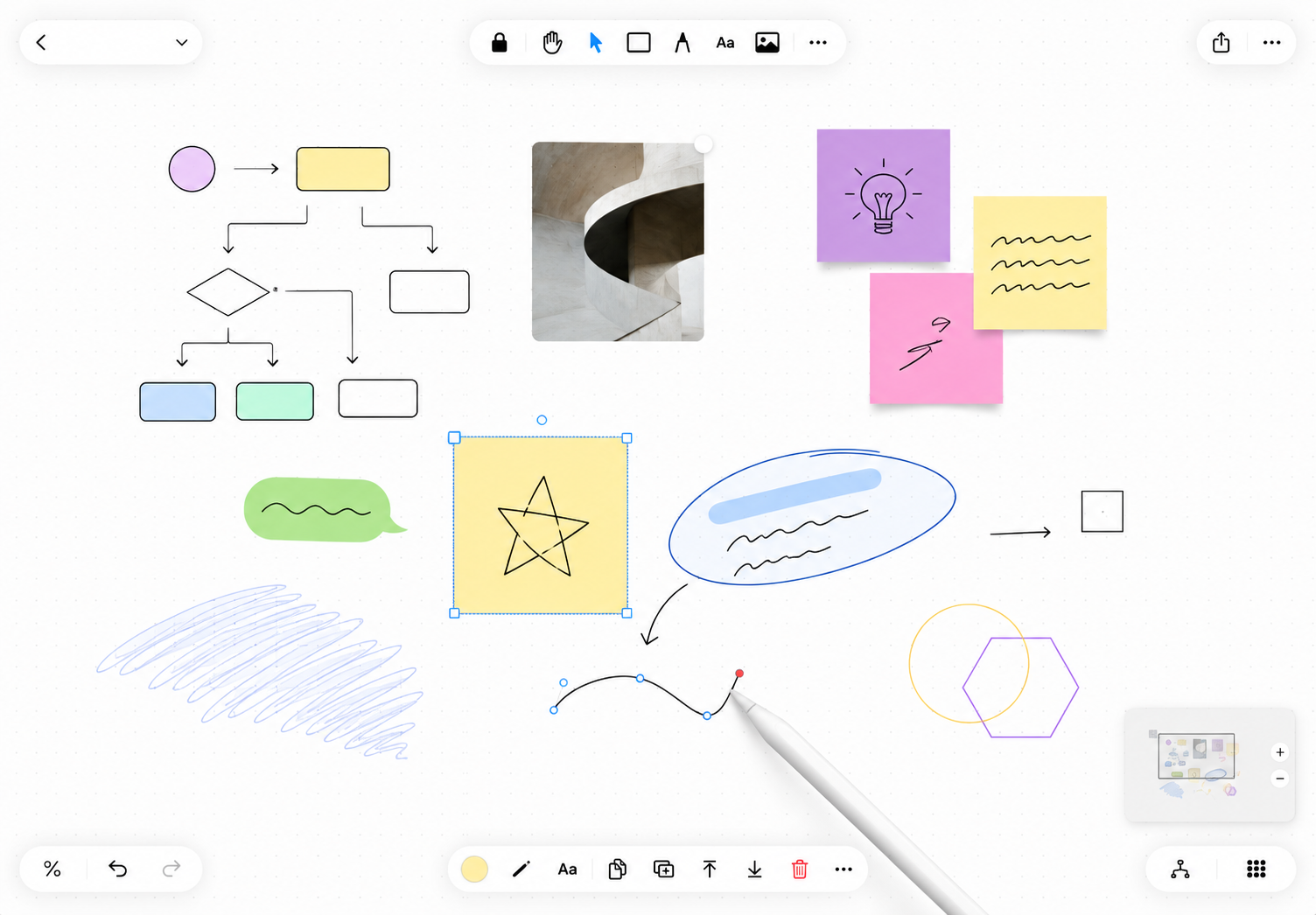
Pan and zoom freely across an infinite workspace. Dot grid, lines, or nothing at all. Minimap keeps you oriented. Mena stays out of your way so you can think.

Every kind of thinking.
One surface.
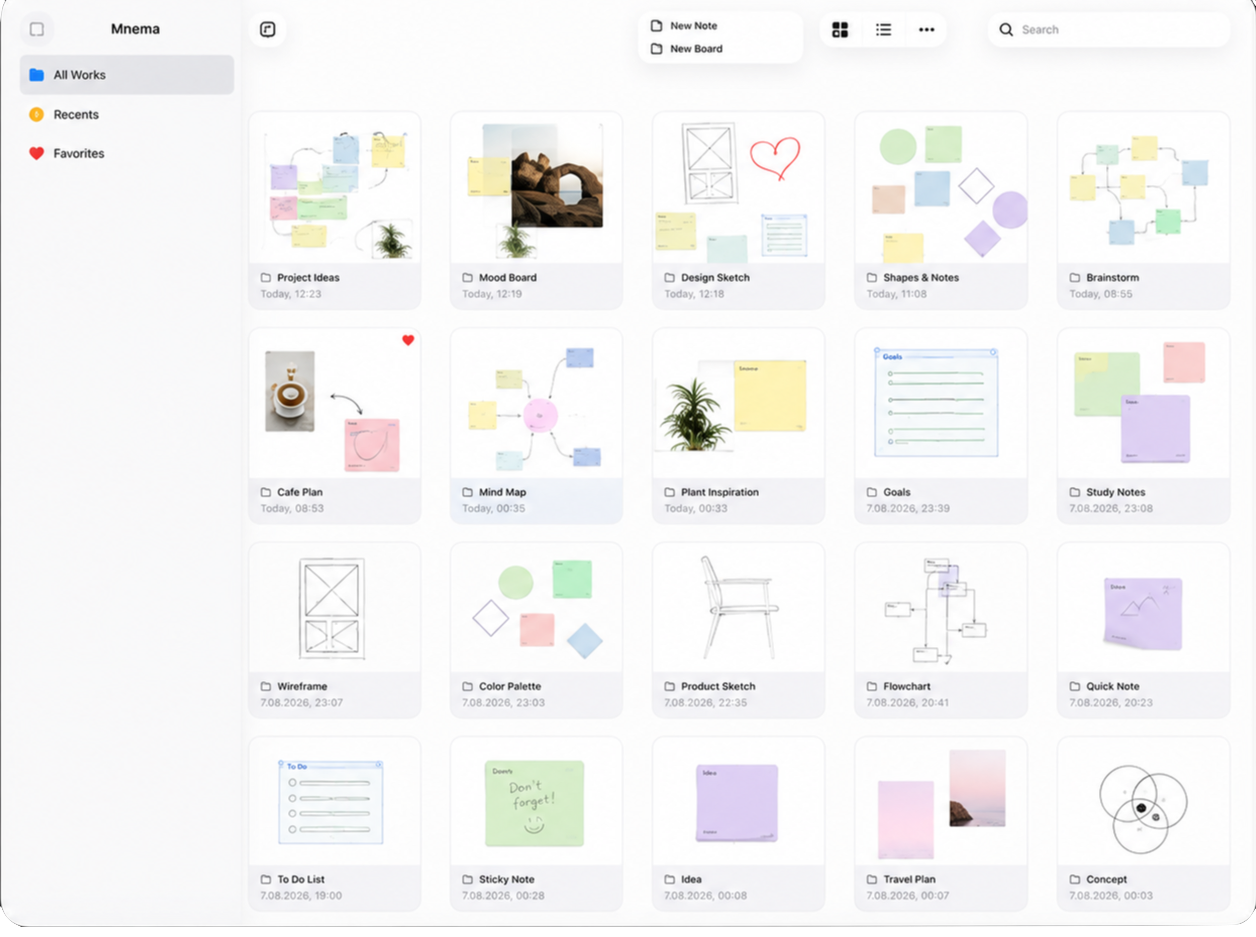
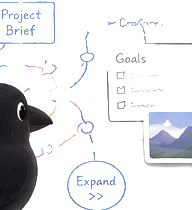
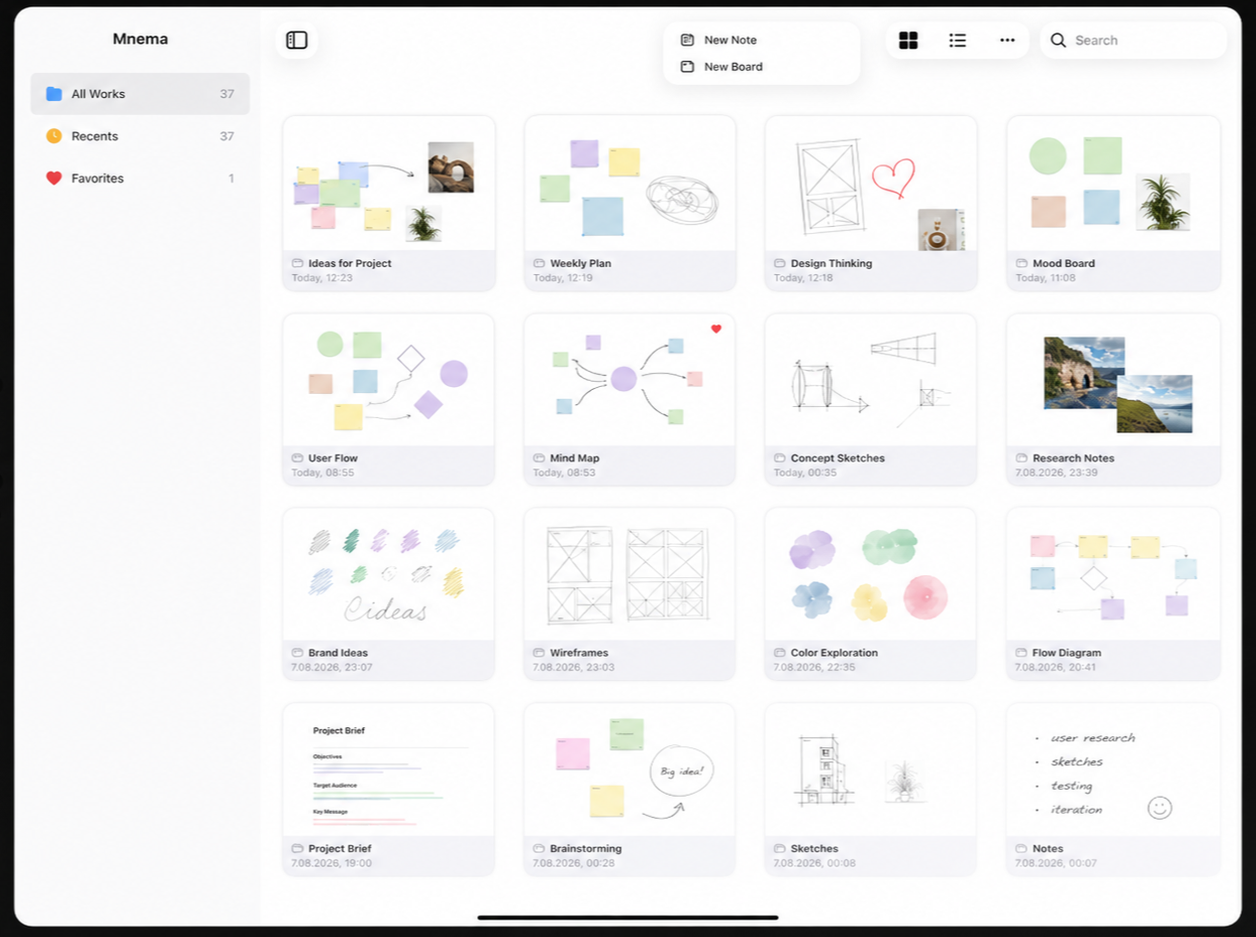
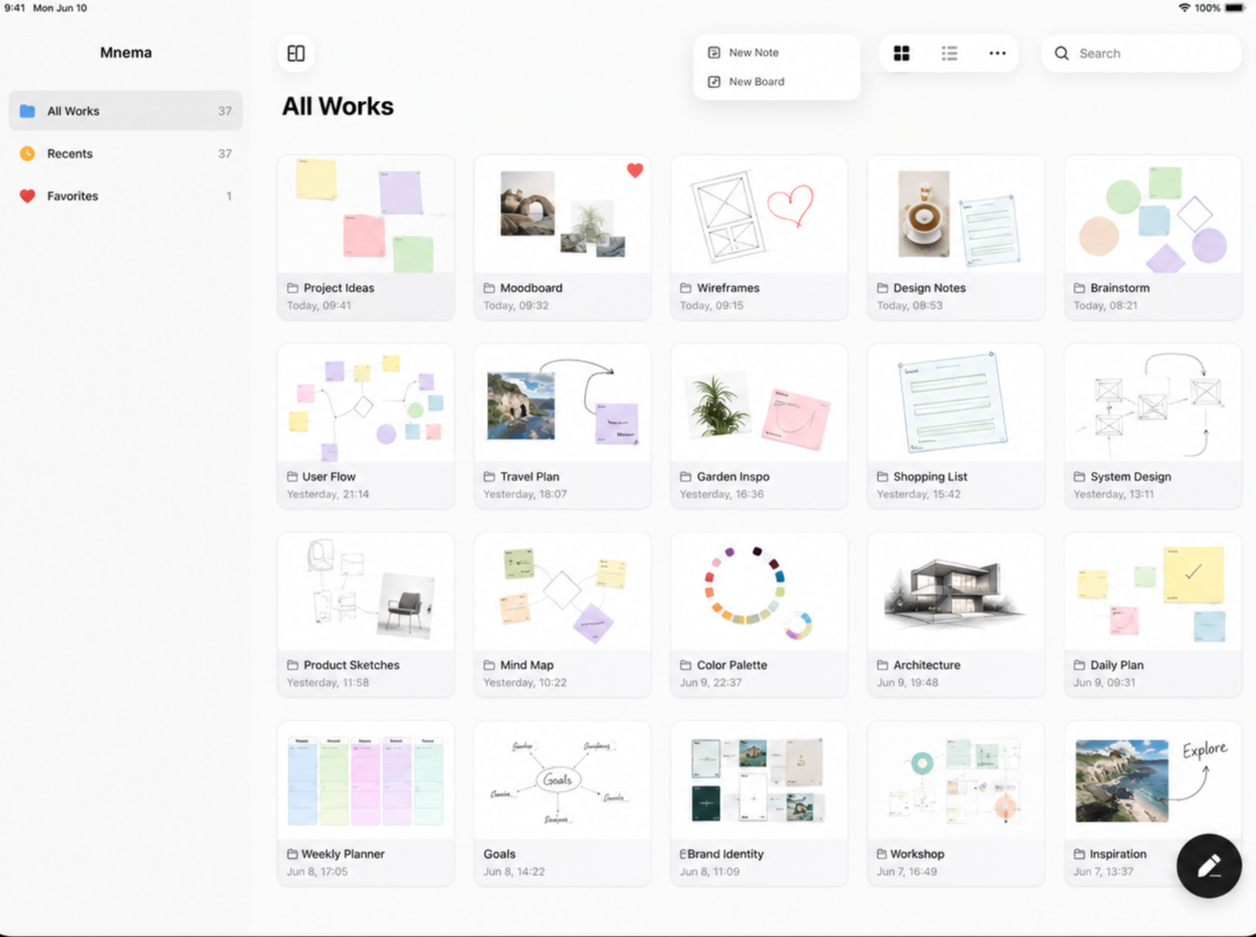
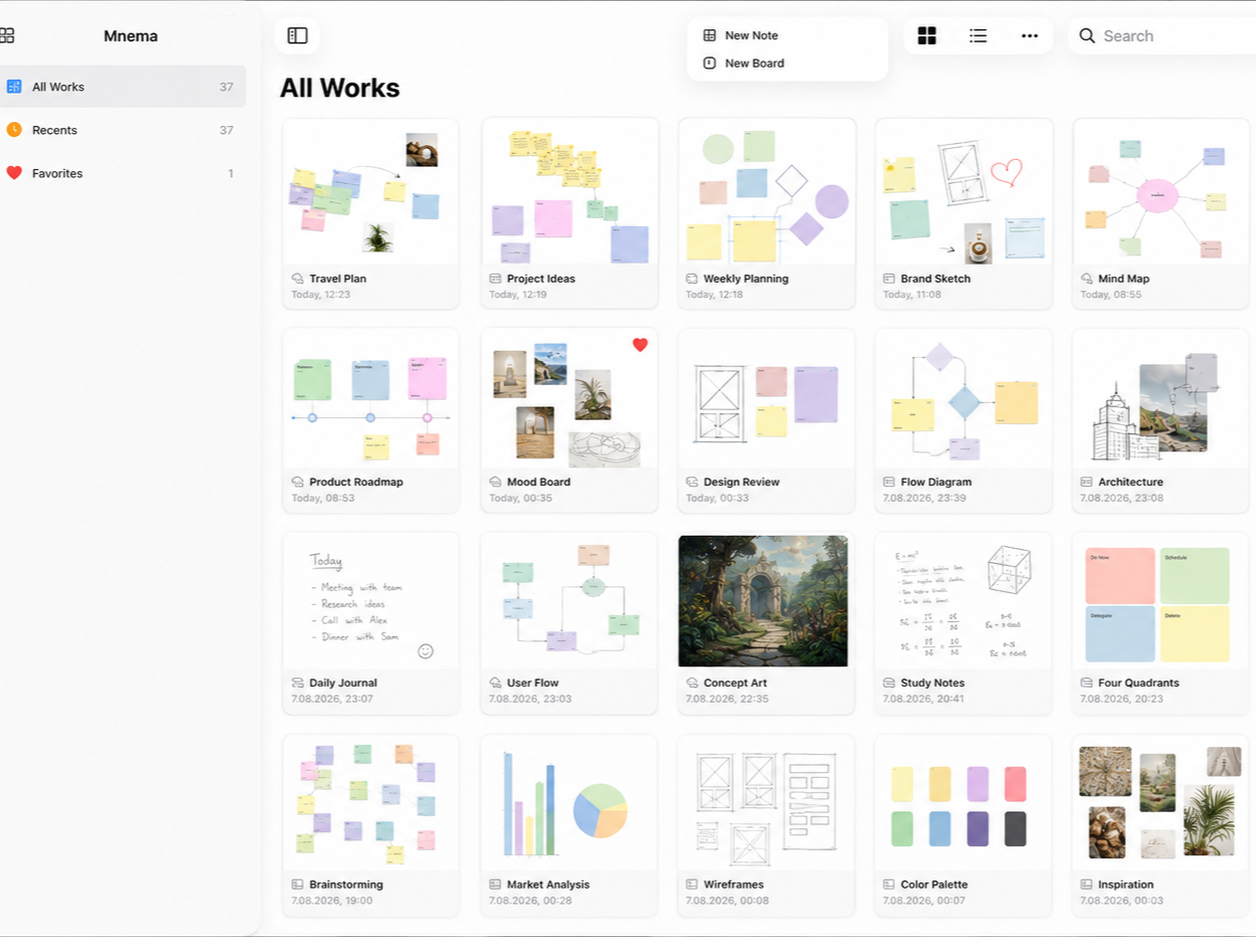
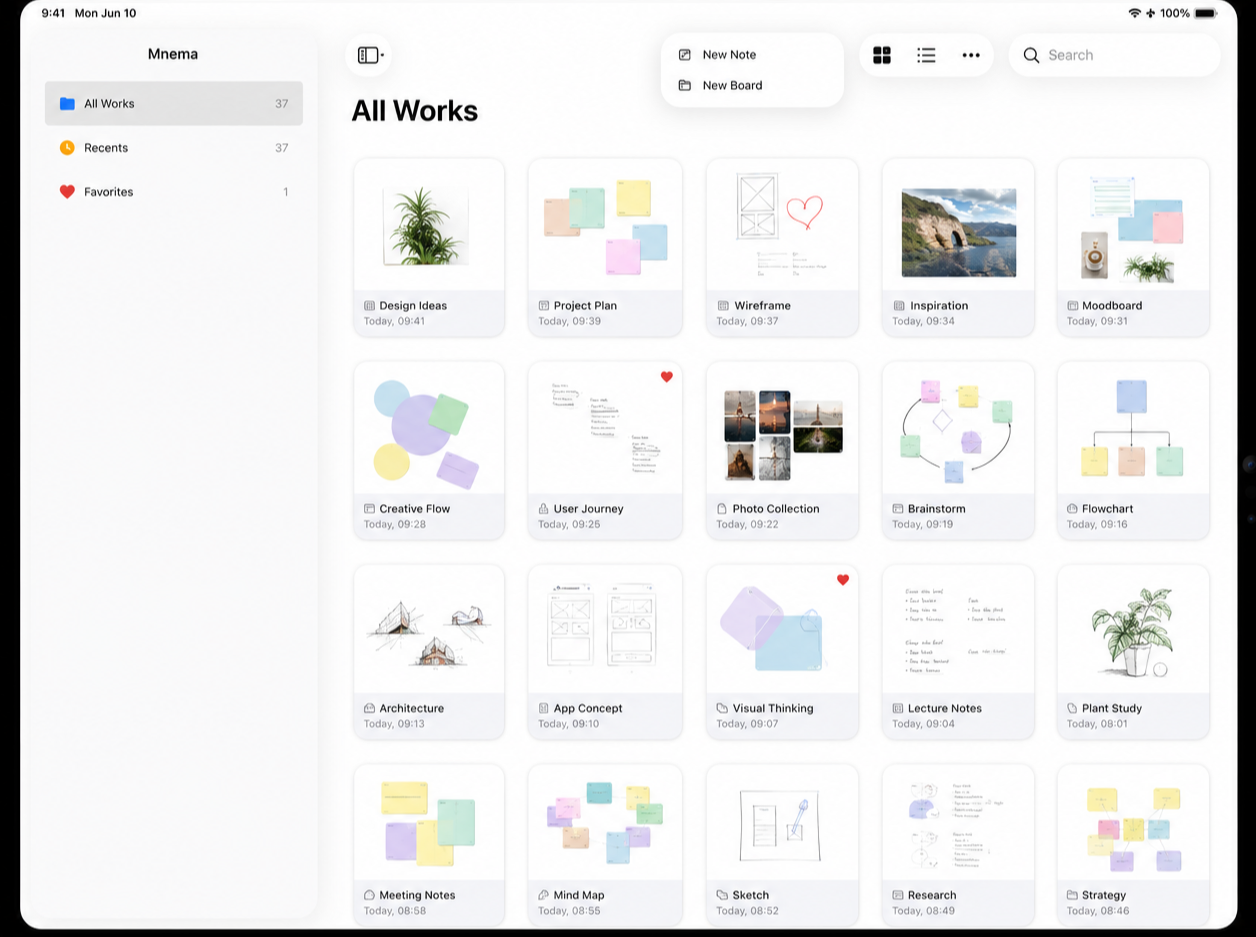
Drop notes, shapes, PDFs, video, audio, code, live maps, tables, and more — all on the same infinite canvas.
Little crows with
a big memory.
Mena's characters carry your ideas — each one a small keeper of thoughts, notes and everything you don't want to forget.







Draw, sketch,
annotate. Instantly.
Zero-perceived-lag Pencil ink. Freehand strokes, highlighter, shapes — and Draw to Shape snaps your rough sketches into perfect geometry automatically.
- Pressure Sensitivity
- Draw to Shape
- Lasso Selection
- Rough Style

Your canvas becomes
a presentation.
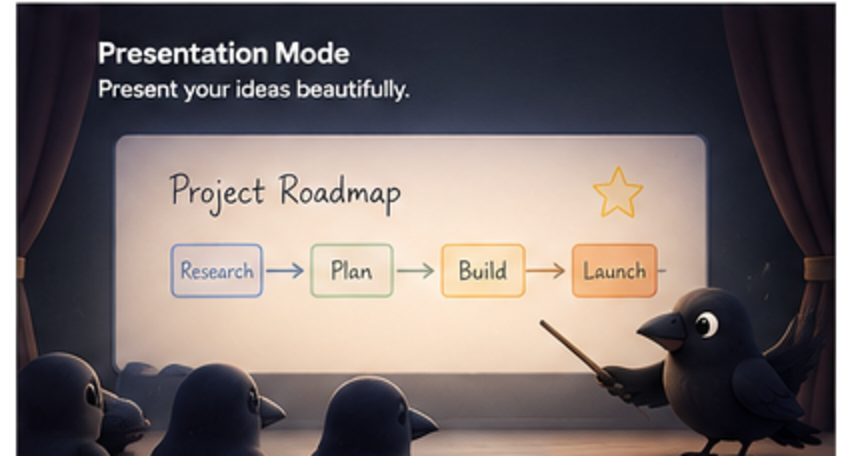
Draw a frame around anything on the board — it becomes a slide. Navigate the filmstrip, present full-screen, export as PDF.
- Unlimited Slides
- Full-Screen Presentation
- PDF Export
- Custom Slide Order

Study smarter
with FSRS.
Turn any canvas element into a flashcard. Mena uses FSRS — the most accurate spaced repetition algorithm — to surface cards exactly when you need them.
Auto-Generate Cards
Reads your notes, creates Q&A pairs on-device. No internet required.
Cloze Deletion
Wrap any word in {{}}. Study with blanks. Works instantly.
Anki Import & Export
Bring existing decks in. Export back out. Full .apkg support.
Mena on your home screen.
Cards due today, board shortcuts, study streak — at a glance, without opening the app.
Always in sync.
Always yours.
Every board, every element, every attachment syncs across all your Apple devices via iCloud. Your data never touches a third-party server.
For every kind
of thinker.
Infinite whiteboard. Sketch, think, connect freely.
Vertical page. Write like Notes, think visually.
Daily capture. One page per day, auto-created.
Knowledge map. See how all your boards connect.
Smart queries. Filter any element across all boards.
Flashcard study. FSRS spaced repetition built in.
One workspace.
Infinite possibilities.


Start thinking
visually.
Free to download on iPad and iPhone.
Download on the App Store Free · No account required · iCloud Sync